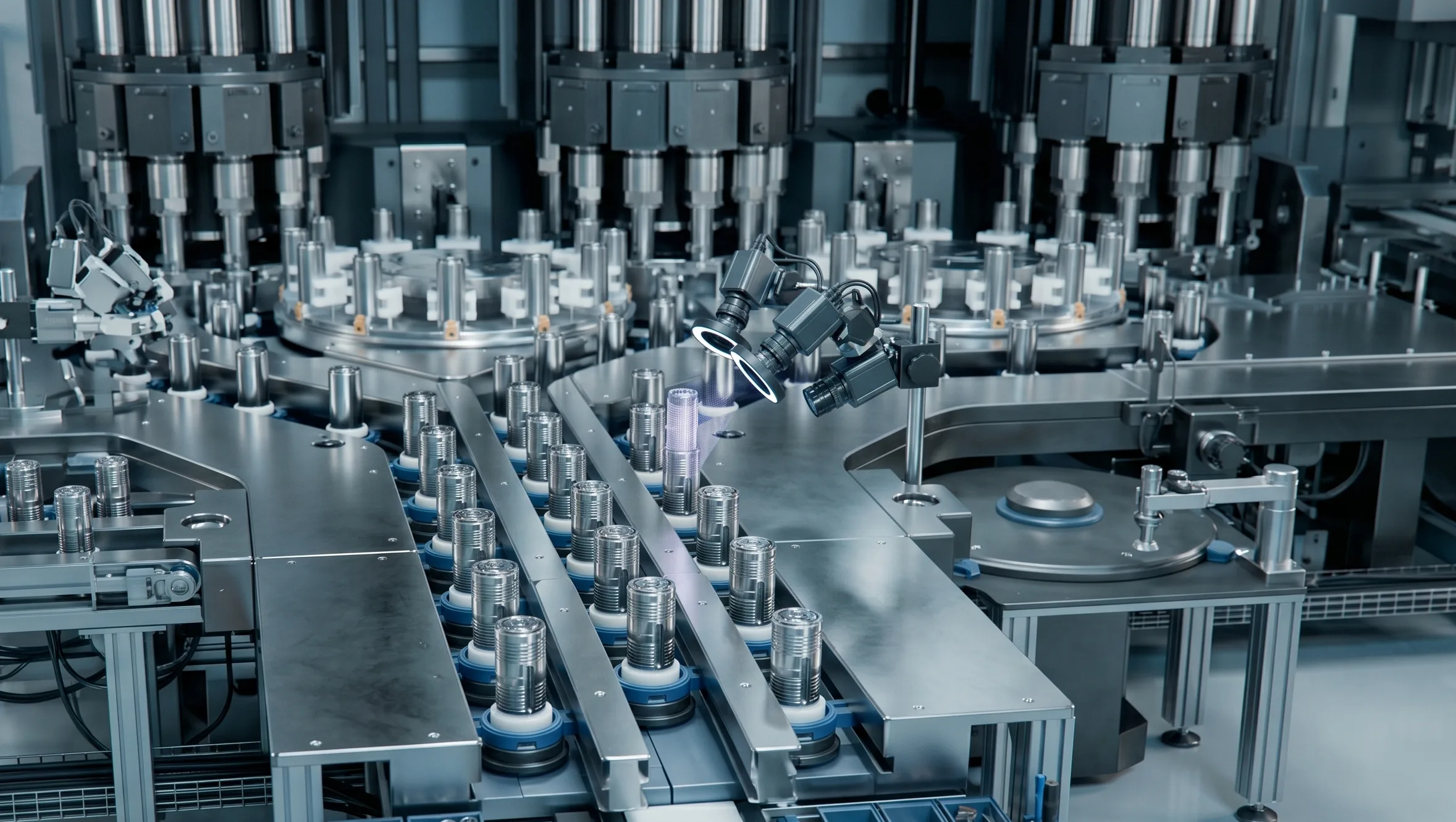
Turn flooding vision-inspection data into manageable quality assets
An operating console that consolidates inspection results across lines, equipment, and FOV in a single dashboard. Without jumping between systems, you can explore, correct judgments, and forward retraining data in one continuous flow — minimizing manual intervention.
Scattered quality data at a glance
Don't let fragmented data slow down your quality improvement
Inspection data piles up fast once vision AI is deployed, but if the workflow for reviewing and improving it is scattered, efficiency drops instead. Unifying the environment shortens the quality-improvement cycle.
Data exploration
Review efficiency
Data linkage
Floods of data sit scattered making it hard to spot defect trends
Capture tools and messengers shuffle back and forth to share review opinions and outcomes
Source images and label data are migrated manually every time
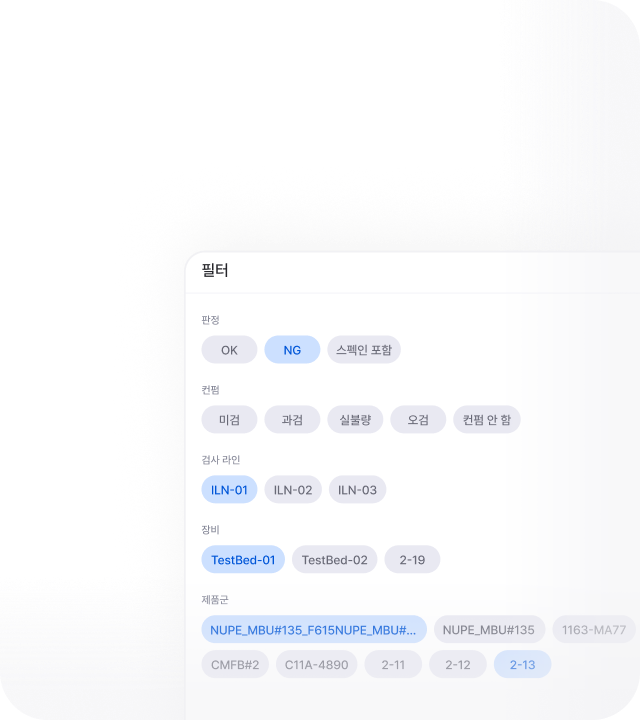
Line- and equipment-based filters rearrange data in real time
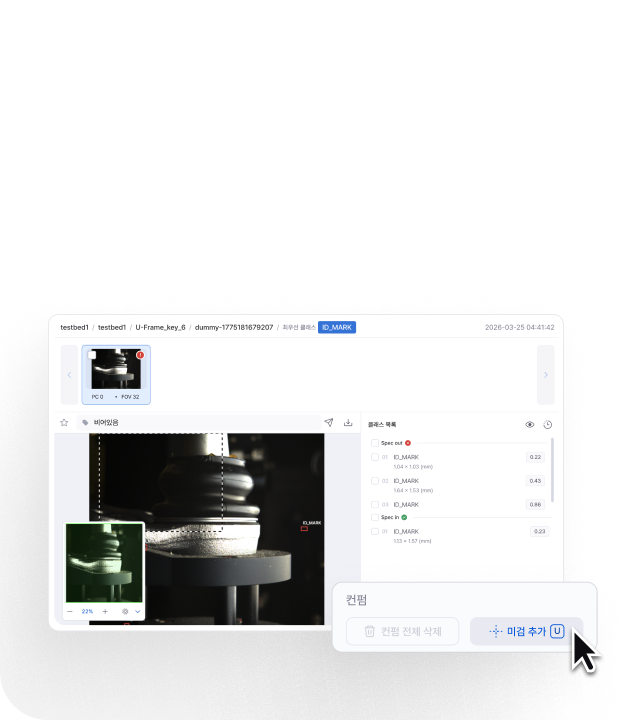
On a web-based canvas, defect position, comments, and judgment history are reviewed together
CSV / label JSON export, or direct transfer to the AIVOps pipeline
Anomaly windows and likely root causes are identified faster, cutting exploration time
The review process is preserved as a record, keeping quality judgments consistent
Manual-migration risk drops, retraining and reporting connect safely
Floods of data sit scattered making it hard to spot defect trends
Line- and equipment-based filters rearrange data in real time
Anomaly windows and likely root causes are identified faster, cutting exploration time
A data operating loop from review to feedback, without breaks
Inspection results are classified into data the floor can actually handle, and connected through exploration, review, transfer, and monitoring as a repeatable quality-improvement pipeline.
 1
1Collect & organize
Data is classified by floor variables such as line, equipment, and product family, and organized into a searchable catalog.
 2
2Explore & filter
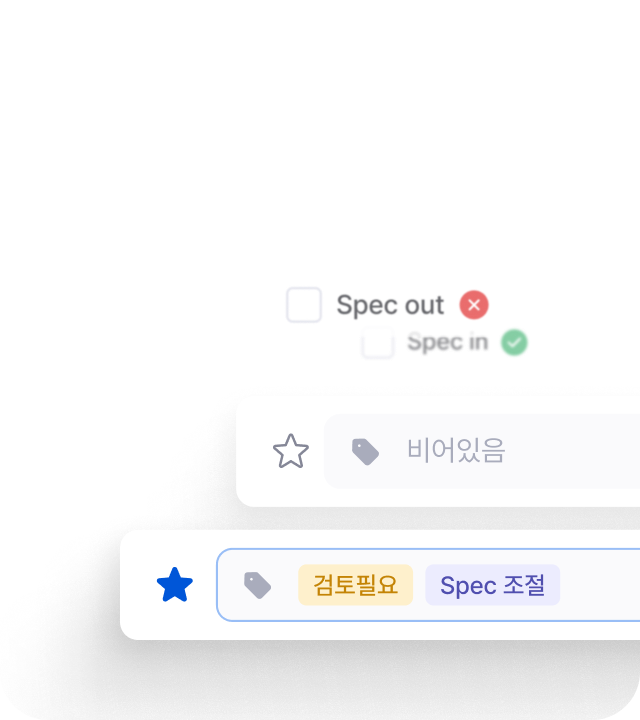
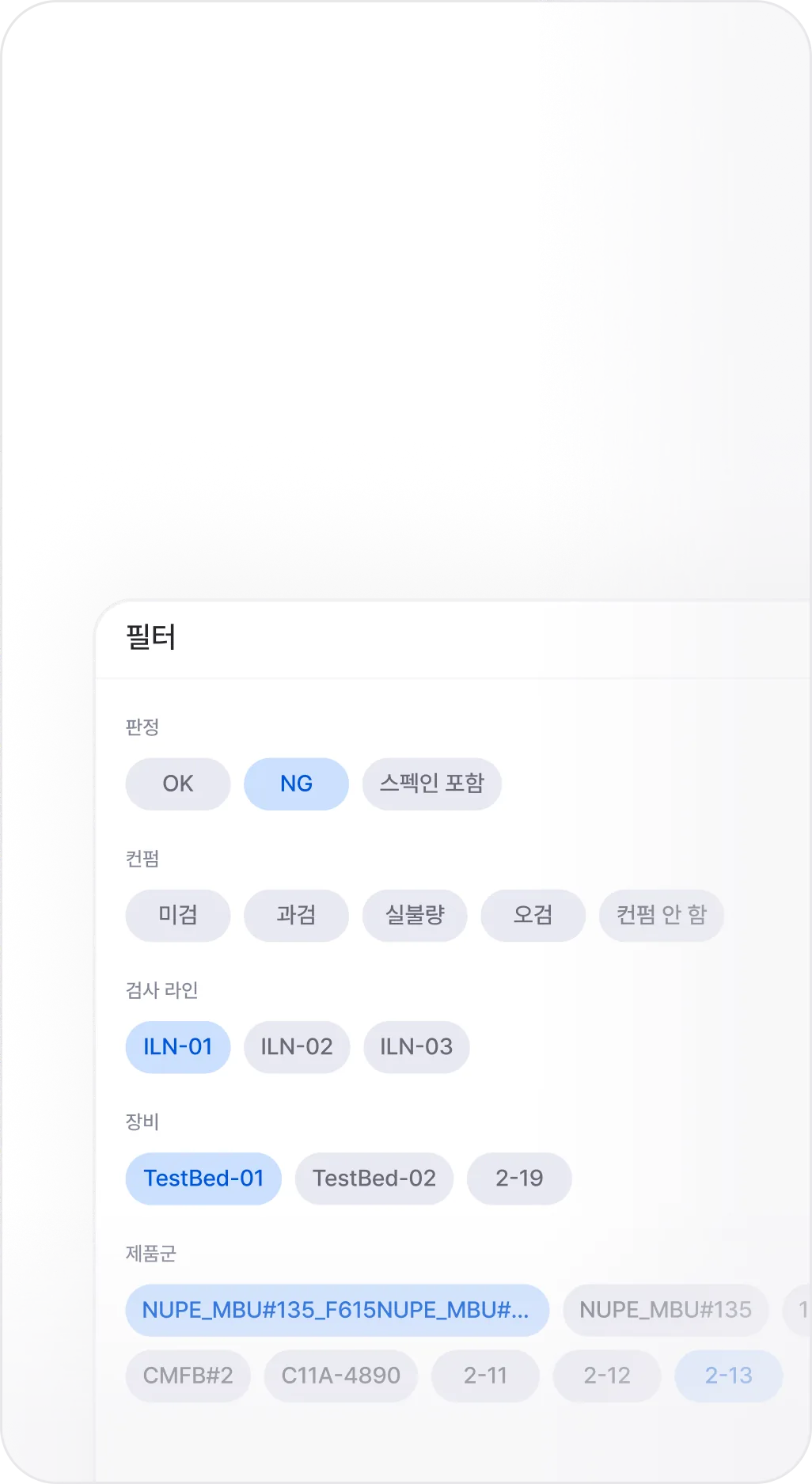
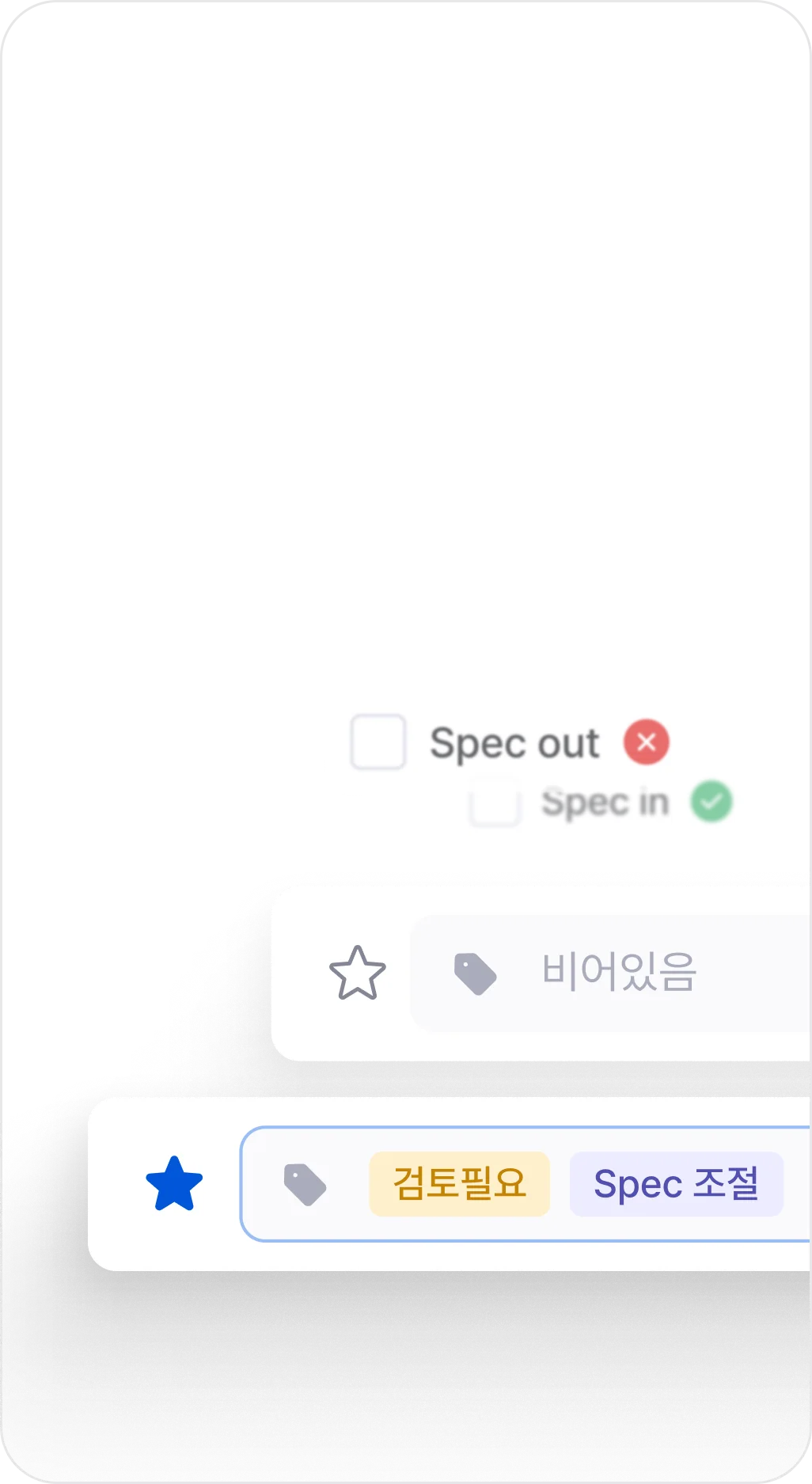
Confidence, tags, and bookmarks help filter the data that actually needs review from the larger pool.
 3
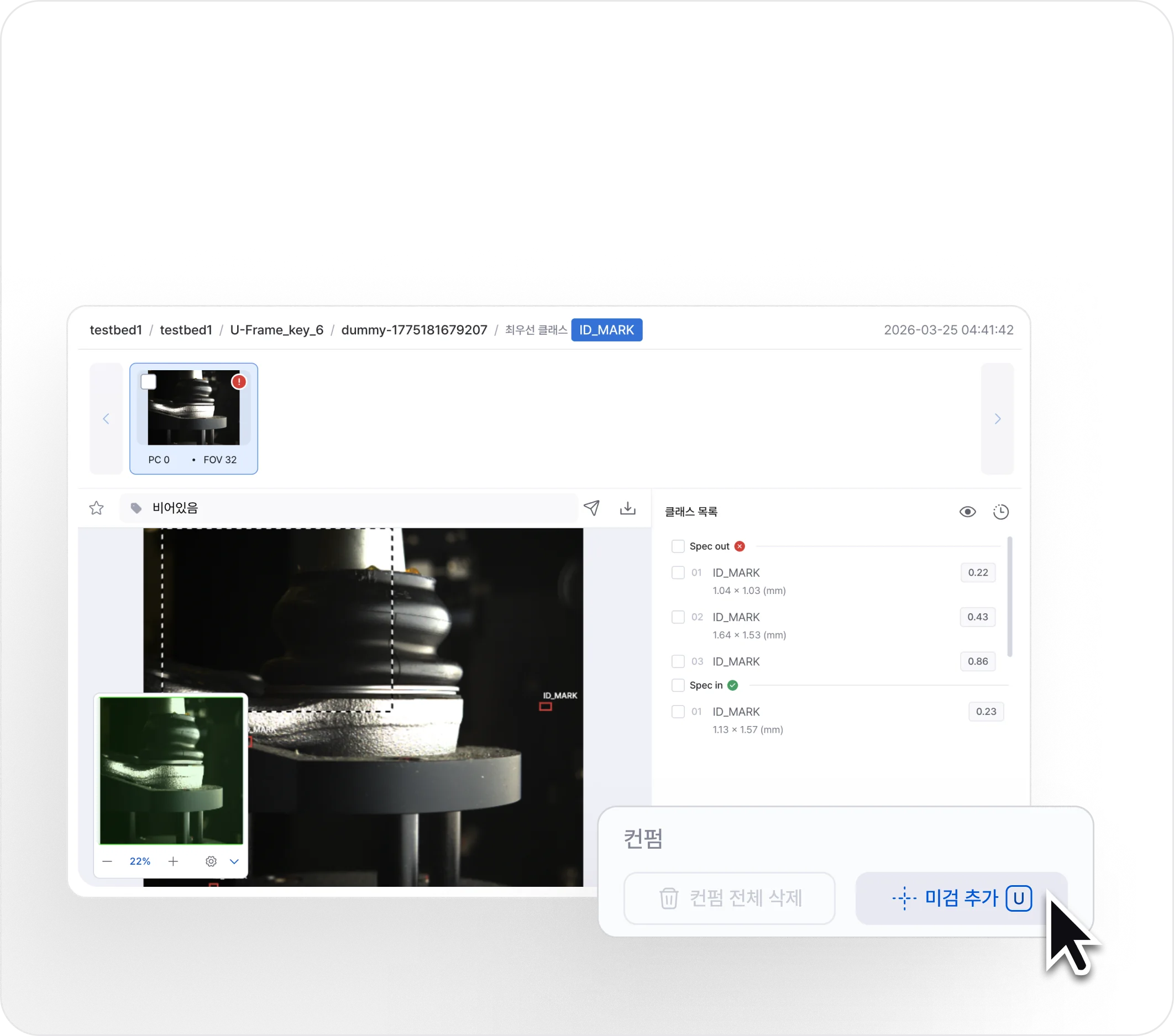
3Verify & review
An intuitive web-based image viewer judges true-defect status, and changes, misses, false calls, and overcalls are logged with comments as quality data on the spot.
 4
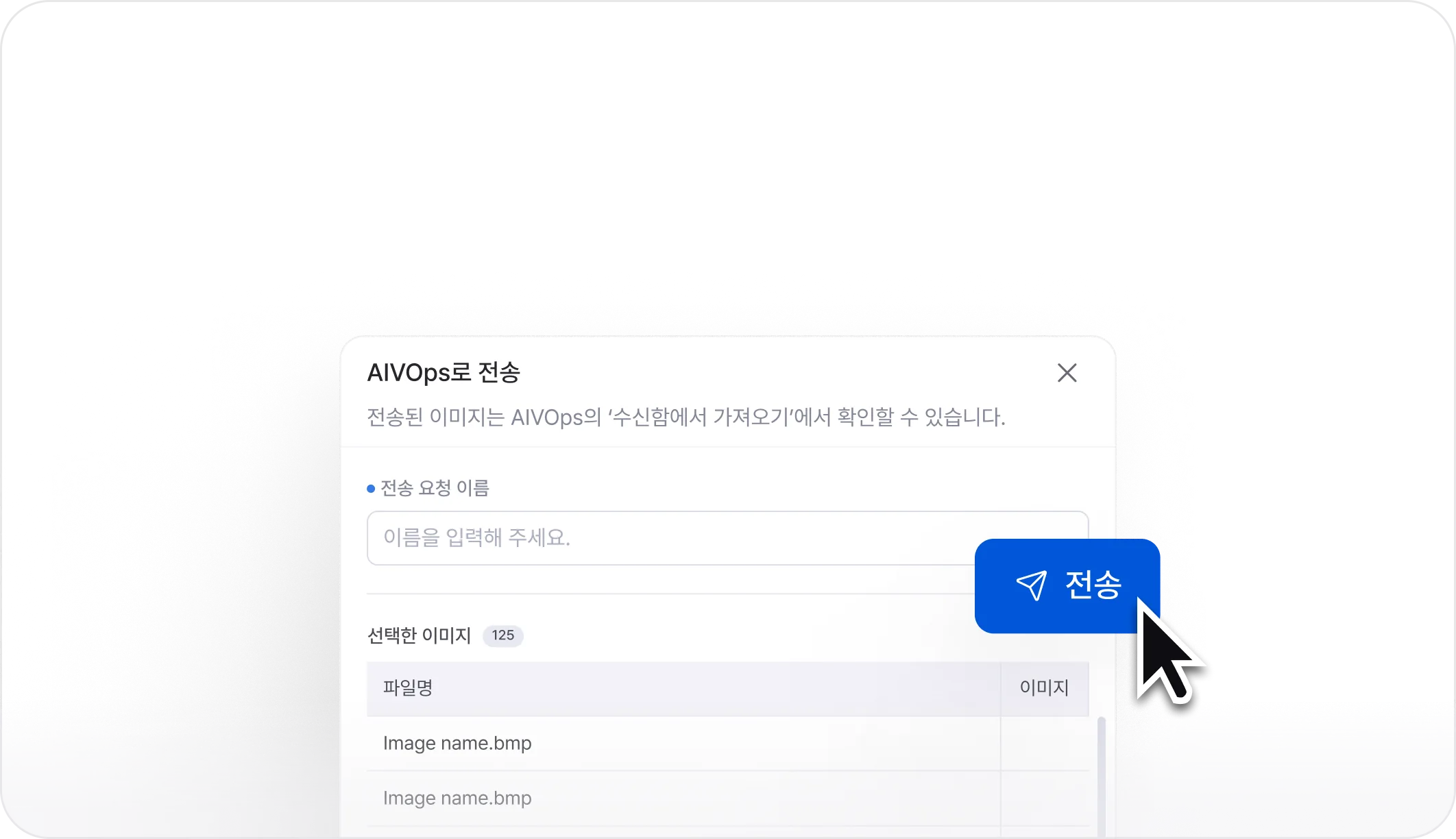
4Transfer & utilize
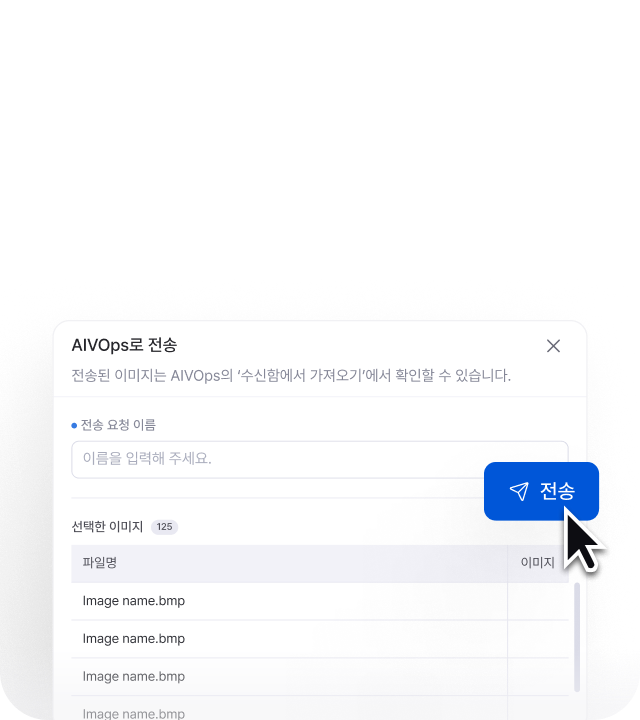
Reviewed data is forwarded to the AIVOps retraining pipeline so that quality feedback keeps improving the model.
 5
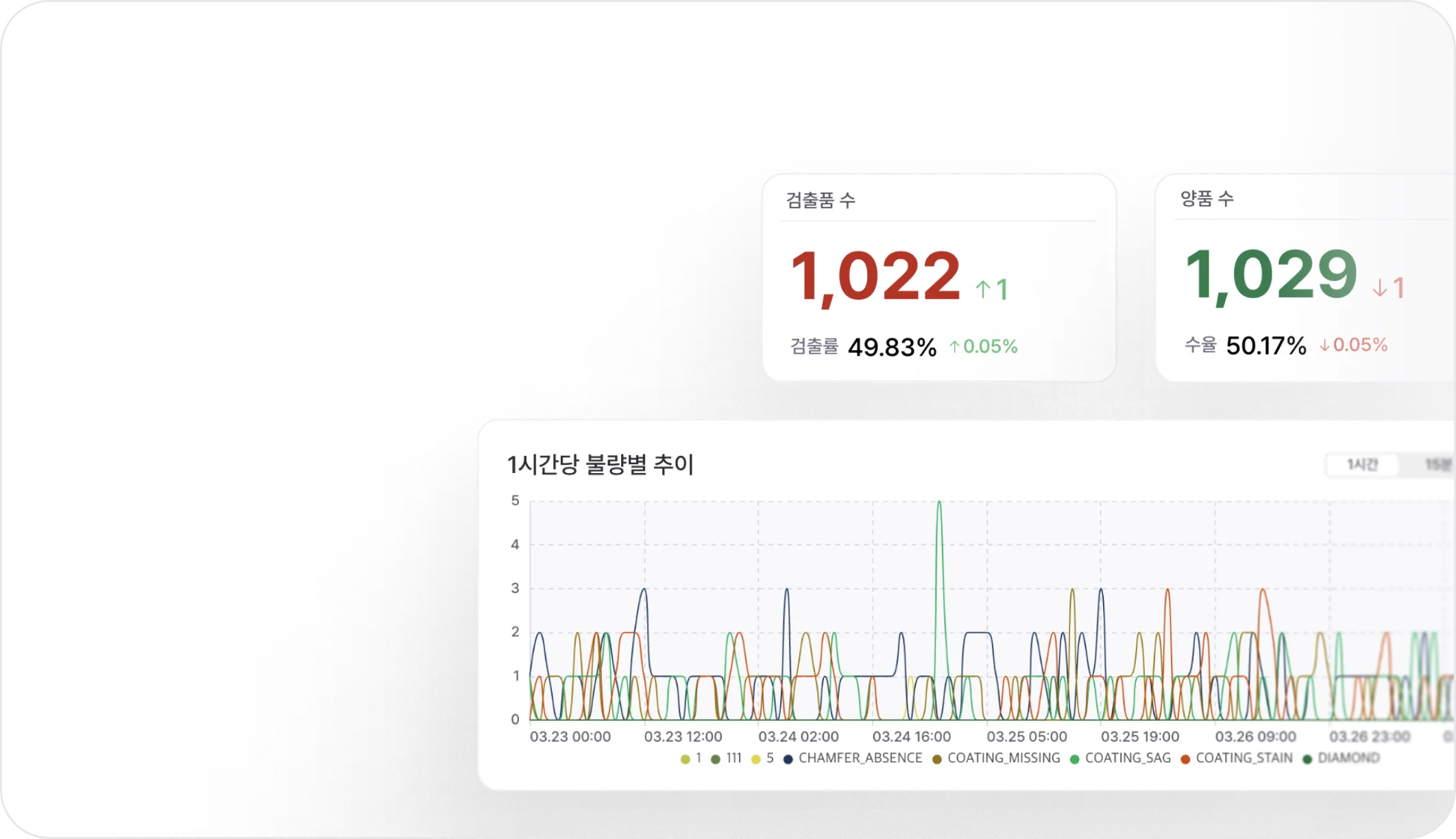
5Monitor
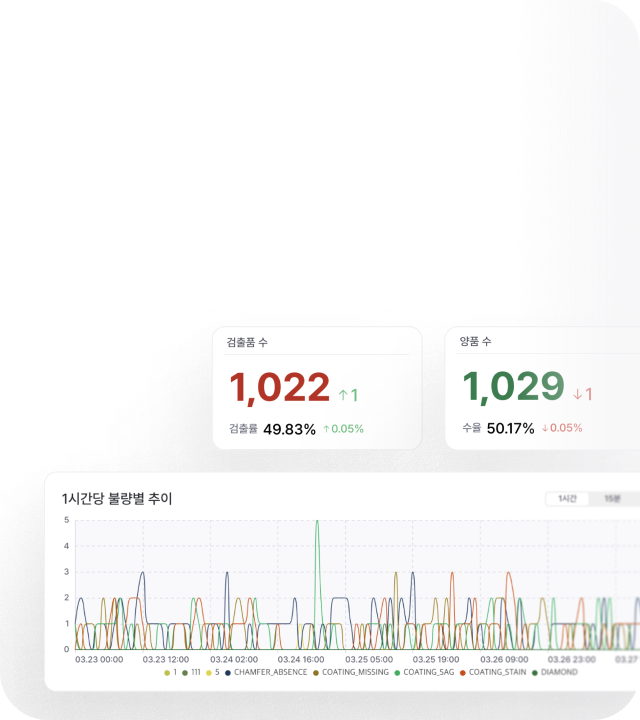
Process-wide data, defect rates, per-line anomaly flows — the day's operating KPIs are tracked on the dashboard.
 1
1Collect & organize
Data is classified by floor variables such as line, equipment, and product family, and organized into a searchable catalog.
 2
2Explore & filter
Confidence, tags, and bookmarks help filter the data that actually needs review from the larger pool.
 3
3Verify & review
An intuitive web-based image viewer judges true-defect status, and changes, misses, false calls, and overcalls are logged with comments as quality data on the spot.
 4
4Transfer & utilize
Reviewed data is forwarded to the AIVOps retraining pipeline so that quality feedback keeps improving the model.
 5
5Monitor
Process-wide data, defect rates, per-line anomaly flows — the day's operating KPIs are tracked on the dashboard.
A data workspace operators run themselves
One workspace where scattered results from multiple lines can be checked, filtered, reviewed, and connected through to retraining — all in place.
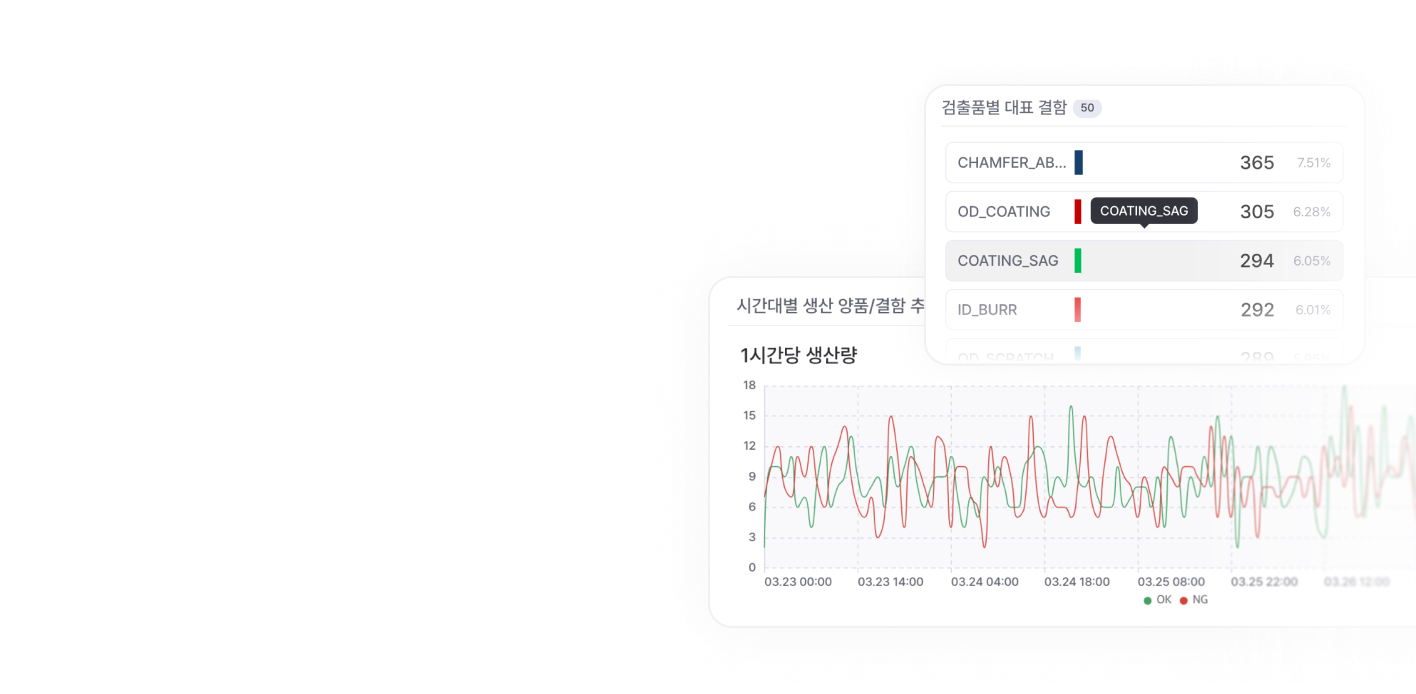
- Operations monitoring
Operating KPIs at a glance, not the raw source data
- Core inspection metrics visualized
- Per-line anomaly flows detected
- New inspection results in real time
- Result exploration
An exploration environment built to get to reviewable data fast
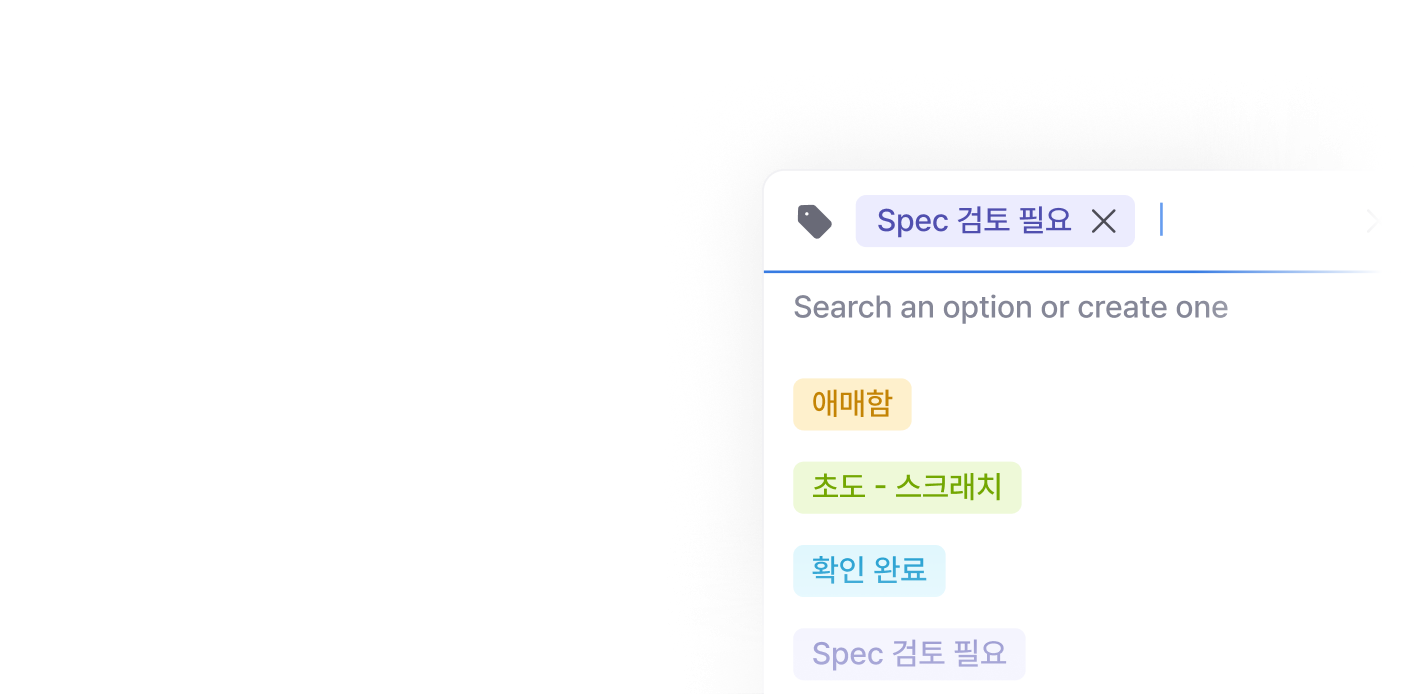
- Multi-condition filtering
- Tag- and bookmark-based re-review
- Defect-specific viewer tuned for false-call review
- Defect review
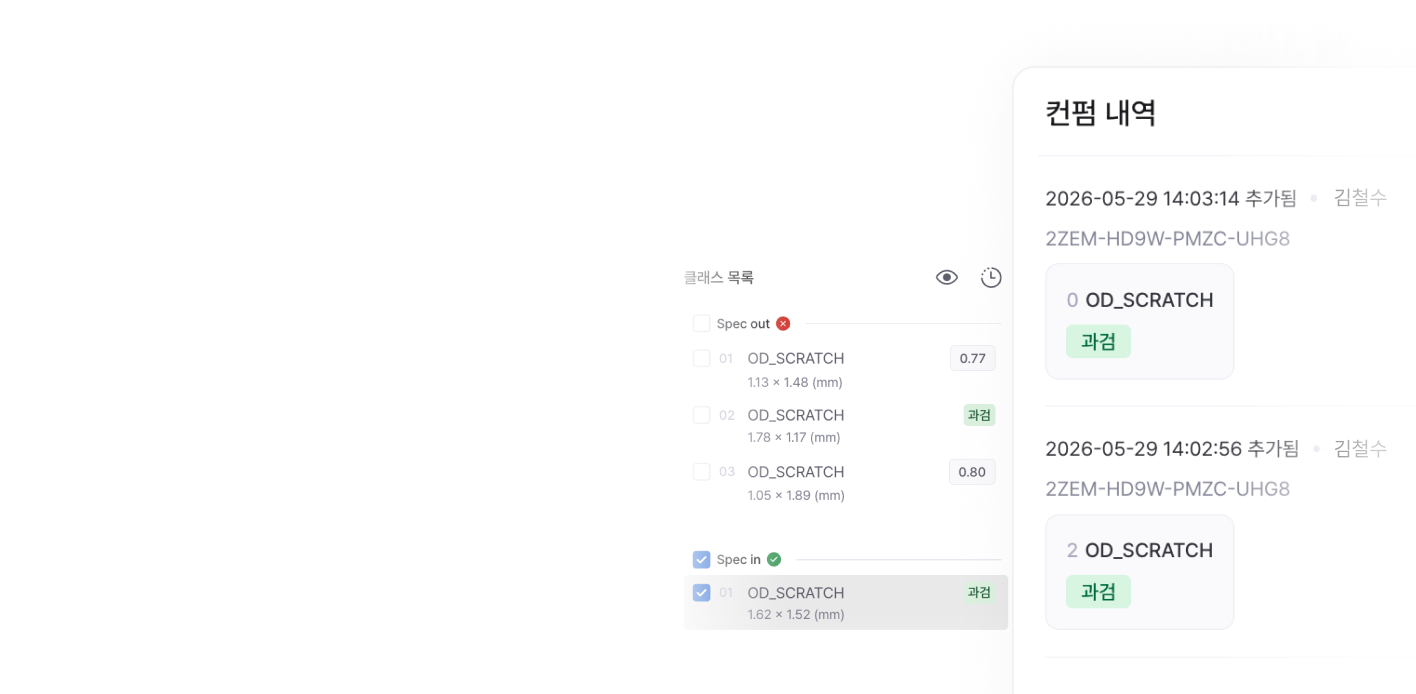
Defect judgment and history, from a web browser — no install
- Defect position and labels viewed directly
- Comments, history, and bulk-review supported
- Judgment-change history preserved
- Data linkage
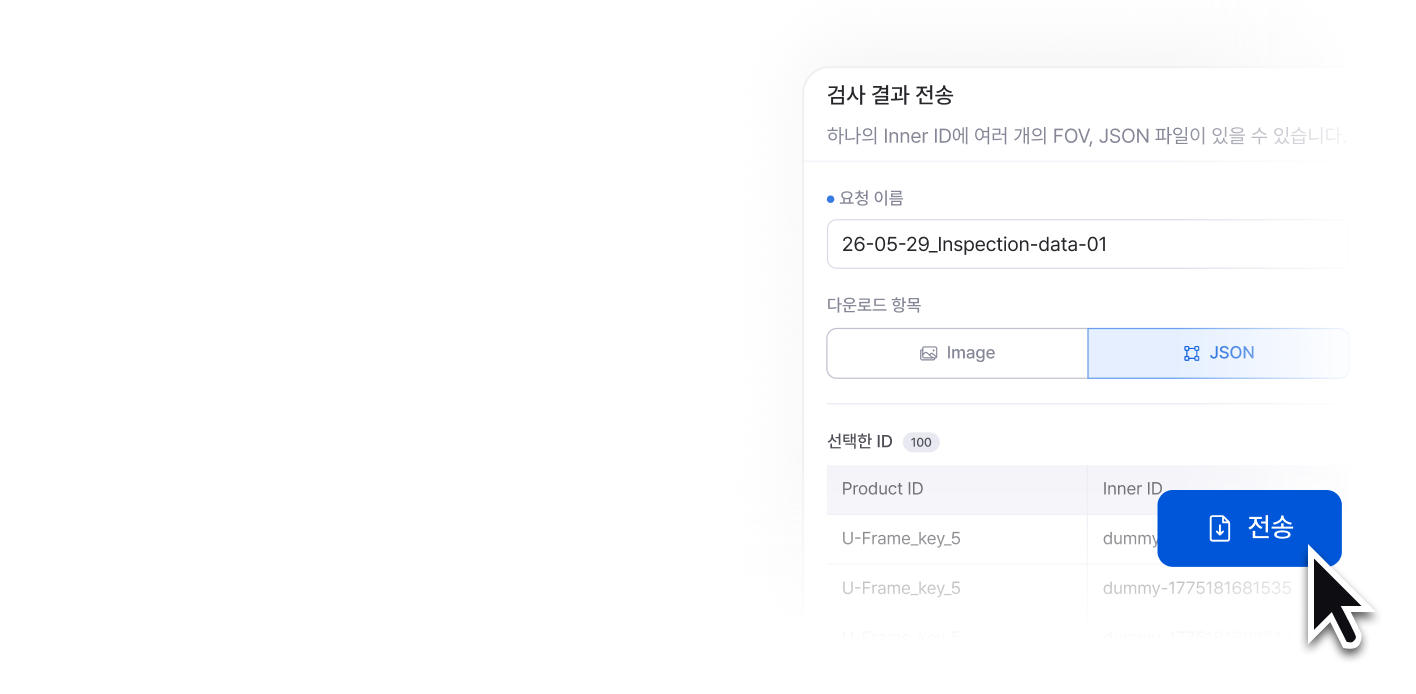
Reviewed data routed into the next operating step
- Custom-format export
- One-click transfer to AIVOps
How it differs from existing approaches
Reduce the burden of large-scale in-house builds, and lower the budget / management resistance with productized capabilities purpose-built for manufacturing vision inspection.
Build in-house
Screens and capabilities optimized for manufacturing vision inspection, delivered as a product right away
Heavy-image viewer, permissioning, multi-filter — development resource burden
Things to confirm before rollout and integration
Check the questions we hear most often
Q.Can AIVData be adopted on its own?
Yes. AIVData can integrate result data from existing third-party vision inspection equipment and use it as a unified dashboard.
Q.Does it integrate without AIVision or AIVOps?
Yes. It supports extraction in standard data formats such as CSV and JSON, so it can be integrated with other AI retraining environments or internal systems. The specific scope of integration is confirmed together during the PoC stage.
Q.Q. Does the system automatically collect and organize images and defect histories generated from multiple inspection devices, rather than just a single unit?
Yes, it does. By utilizing the AIV Data solution, all image data generated from multiple on-site devices is automatically centralized. Essential metadata—such as inspection time, device ID, applied recipe, and result codes—is automatically tagged, drastically simplifying data retrieval and traceability.
Q.Can it be installed on-prem / air-gapped?
Yes. We support on-premises deployment for manufacturing sites that must comply with security requirements such as internal network segregation policies.
See how much lighter on-floor data management can get
Connect real line images and defect data to AIVData. We'll work through how much of the workload drops and which operating metrics you'll have to support an ROI judgment.